Tell it in a sentence
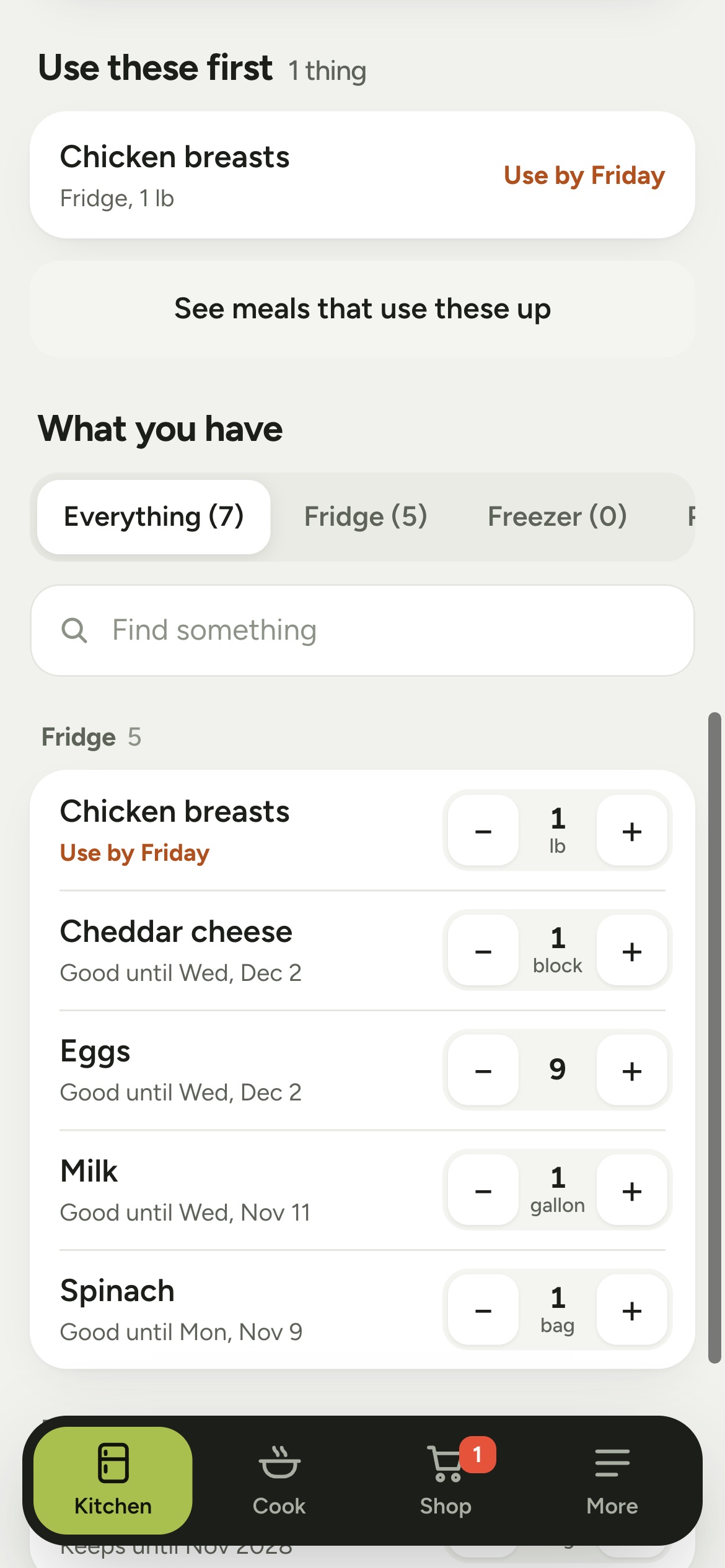
Type it, or tap the microphone and say it. "Bought a dozen eggs, used the last of the milk." The app shows exactly what will change before it saves anything. Made a mistake? Undo.
 Smart Pantry by Noxe
Open Smart Pantry
Smart Pantry keeps track of your kitchen for you. Say what you bought and used, like a text message. It remembers the dates, shows what to eat first, and finds a meal from what you have.
Free. No account. Works without internet.
This is the real thing, running on this page. Your kitchen below is made up, and nothing you type is saved anywhere.
Or try
Demo only. In the app you press Save and every change has Undo.
Type it, or tap the microphone and say it. "Bought a dozen eggs, used the last of the milk." The app shows exactly what will change before it saves anything. Made a mistake? Undo.
Every food gets a use-by date filled in for you, based on where you keep it. Chicken in the fridge is a few days. Chicken in the freezer is months. Move it to the freezer and the date moves too. Anything running out of time goes to the top of the list.
Filled in from a table of 170 common foods. You can change any date.
Cook shows meals you can make right now, with the food that's going off first. If you're missing one thing, add it to the list in a tap. Press "I made this" and the ingredients come out of your kitchen. The shopping list is sorted by aisle. Tick things off in the store, then press Put away to fill the kitchen again with fresh dates.
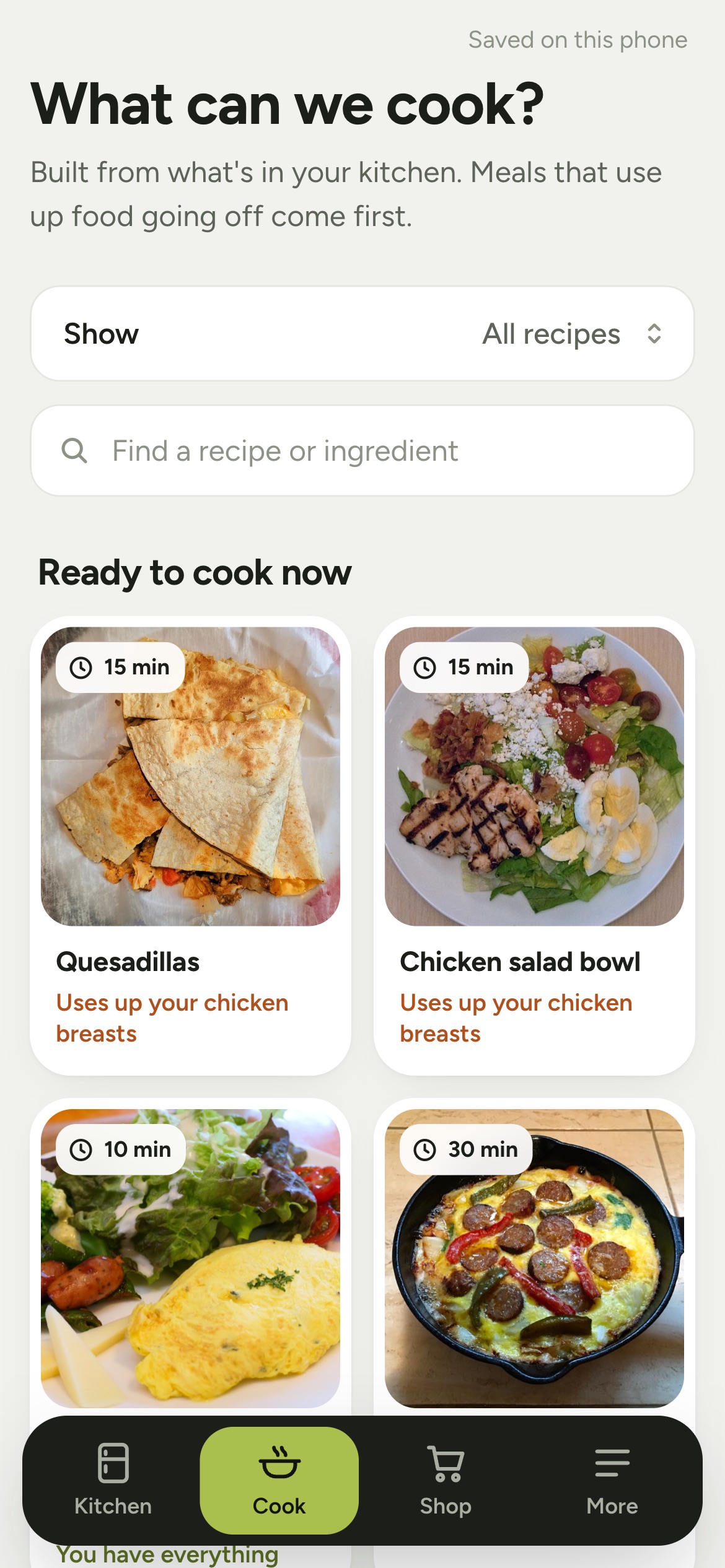

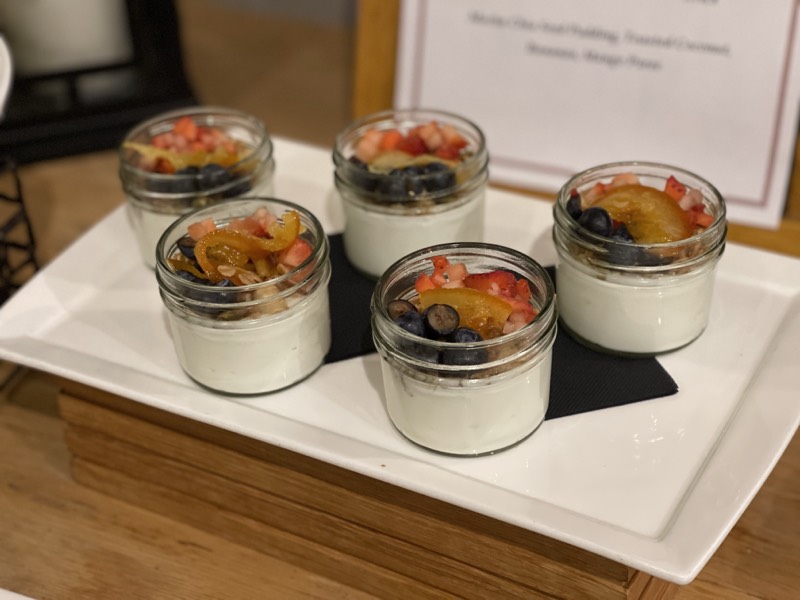
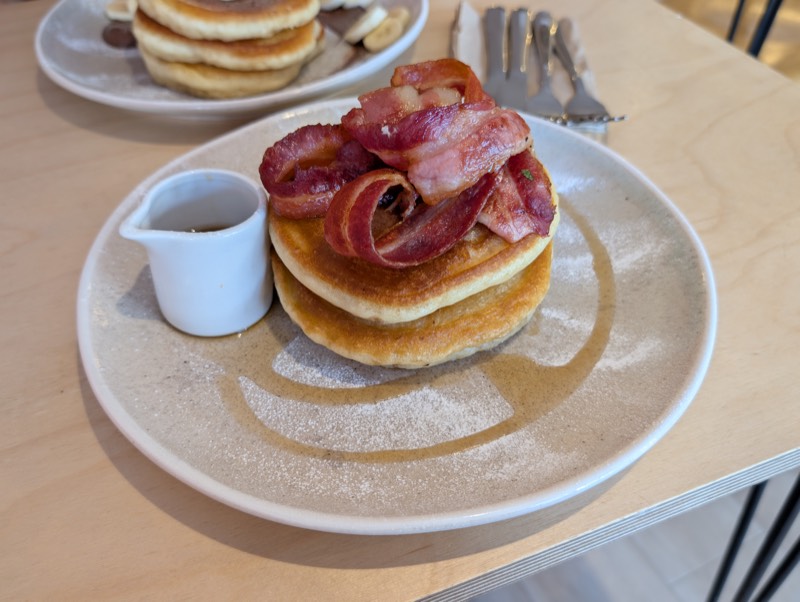
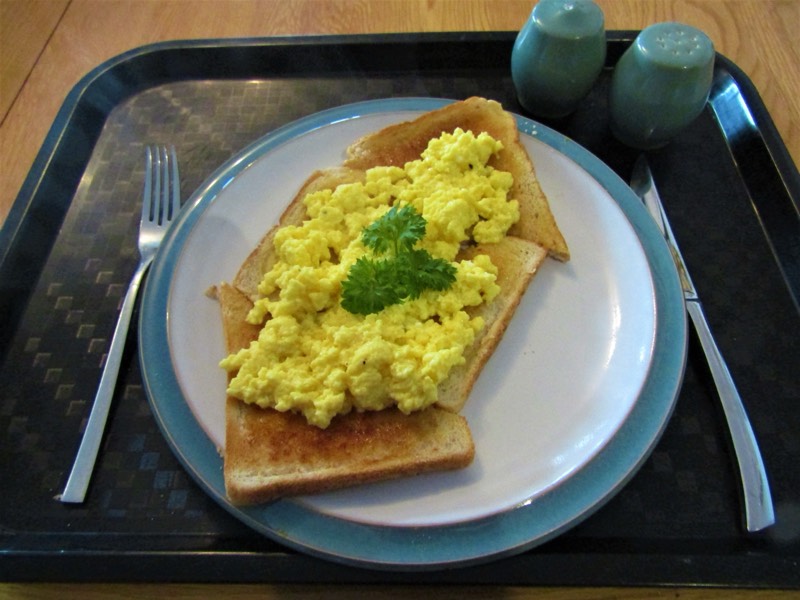
Recipe photos are free-to-use images. Who took each one is listed in the photo credits.
We kept throwing food away. Not because we didn't want it, but because we forgot it was there until it was past its date.
So we built something that remembers for us. It tells you what to use first, and finds a meal that uses it up before it goes off.
There's no account to make and no server holding your list. Everything you add is saved on your own phone, and the app keeps working with no signal. The only time it goes online is a barcode lookup, which asks a public food database about that one product. We don't have a way to see what's in your kitchen, and we don't want one.
It then opens like any other app, with its own icon.
Apps for iPhone and Android are coming. We're building them now. They'll do everything this does, with the phone's own camera and microphone. Until then, the version on your home screen is the real app, and what you've saved will be there when the apps arrive.
No. It's free, and there's nothing to sign up for.
Your list lives on your phone, so save a copy now and then. In the app, open More and choose to save a copy as a file. Open that file on the new phone and your kitchen comes back.
Not yet. Sharing between phones needs a small online service, and we haven't built it. For now you can send the shopping list as a text.
Yes. Once you've opened it once, everything works offline: adding food, dates, recipes and the shopping list. Only the barcode lookup needs a signal.
You see every change before it's saved, and you can leave out any line. If it doesn't understand something, it tells you which part. After saving there's an Undo button, and you can always change an amount by hand.
Right. It reads your sentence with fixed rules that run on your phone. That's why it's instant, works offline, and gives the same answer every time.
Email us at hello@pointithere.com and we'll help.